We are rated as the Best SEO and Google Ads Agency of 2024. Check out our Google and Clutch reviews below.
 No fixed contract, just MONTH BY MONTH
Affordable and FAIR prices
Fast responses WITHIN hours
We love getting RESULTS
No fixed contract, just MONTH BY MONTH
Affordable and FAIR prices
Fast responses WITHIN hours
We love getting RESULTS


Best Practices for App Screenshots and Preview Videos in App Stores
App screenshots and preview videos are one of the first things users notice when visiting an app store product page. This makes them an important factor to shape first impressions.
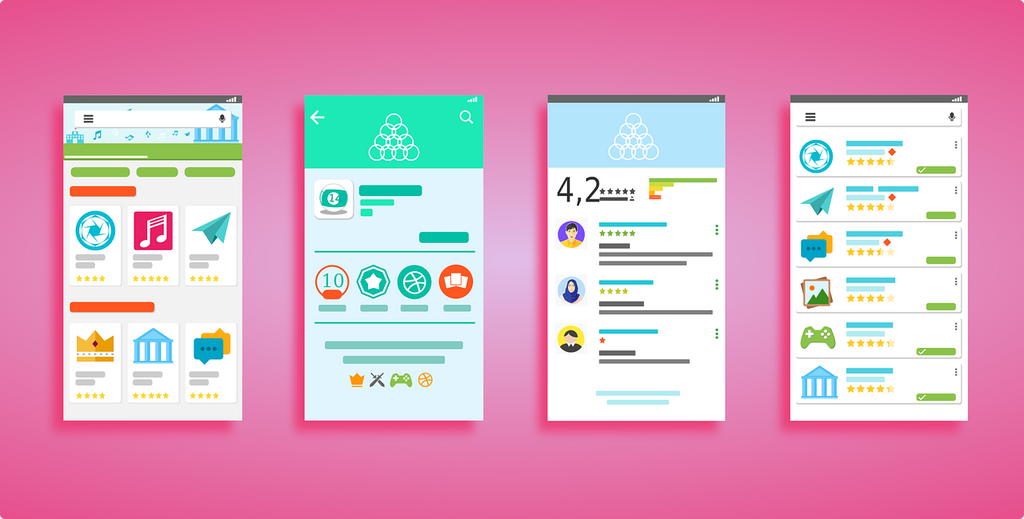
App screenshots and preview videos are important elements of an effective ASO strategy, impacting user engagement, visibility, and conversions:
Before you select your app screenshots and preview video, you need to ensure it meets Apple's technical requirements. This includes resolution, format, along with content rules, ensuring your visuals are approved and displayed correctly:
Google Play Store has specific sizing and formatting rules that ensure your listings look great across all Android devices:
Google Play Store also has very strict policies regarding app store screenshots and preview video accuracy. Avoid any misleading elements such as fake buttons, overly styled imagery, or captions that don't appear in the app.
App screenshots and preview videos have a direct impact on conversions. Your design choice will impact engagement:
Avoid the following common mistakes:
App screenshots and preview videos are essential elements of your app store product page, playing a role in how users perceive your app. You want to grab the users attention right away, so don't overlook the importance of your app screenshots and preview video. Genie Crawl are here to help you grab your audiences attention, increasing downloads. Contact us now to find out more.

Genie Crawl carried out a detailed SEO audit for my tutoring website and explained everything in a clear and understandable way. I hired them straight away and since then I have seen a noticeable improvement in the traffic and leads coming to my website.

Awesome service, Tony and the team have been great with completing our website and meeting all the deadlines we set. They have lots of bright ideas and created so much value to our business. Our search engine rankings are now on the first page of the Google! We wouldn't have managed this without you guys!

Excellent service and great results with our Google Ads account. They are always there at the end of the phone when we need them and they are a friendly bunch of people to deal with. We are very happy with the results.

Genie Crawl has helped massively with my rankings as a business owner using SEO. My business is doing very well now, all thanks to them!

Genie Crawl is a very efficient company to work with; they were clear on what they felt they could offer and assisted me in improving my SEO rankings.

GenieCrawl was recommended to me for their SEO optimisation services and they have been great to work with. Our traffic jumped straight away and our business has gone from strength to strength thanks to their support.

I was really struggling to get my SEO ratings higher for my business, and my website noticed on google. Thanks to GenieCrawl and their excellent service and SEO knowledge, I was able to increase my rankings sufficiently and am now reaping the benefits of their optimizations. I would highly recommend their service if you are struggling with SEO rankings as I was.

As a new business start up we needed help driving traffic to our website. In all fairness this was an area we were all pretty clueless on. Genie Crawl have been invaluable to us and undoubtedly have been a driving force to increasing sales. They are always there with helpful advice when we need them. Thanks!

I was a little skeptical about hiring a company to help with the SEO for my website, but I am over the moon with my decision to work with Genie Crawl. They have really increased the traffic to my website and I would highly recommend them to everyone!

Fantastic company. They've been essential in getting us the business that we need. Would completely recommend. We've really found that our rankings have gone through the roof. SEO experts for sure! A+
Complete the form and a member of our team will be in touch shortly to discuss your enquiry.

© 2025 Genie Crawl. All Rights Reserved.


